
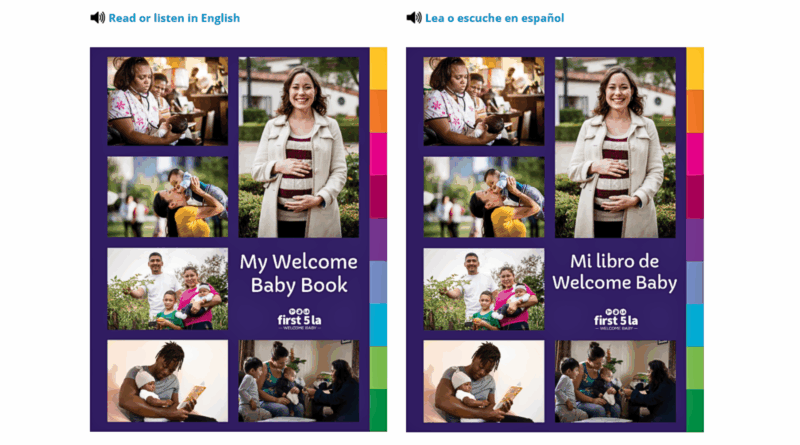
Listen Now: The Welcome Baby Book Is Available in Audio
Both our English and Spanish editions of the Welcome Baby Book now include a digital audio option, making it easier than ever for families to listen and learn on the go or follow along as helpful information is read to them. (Easy-to-remember links to share with clients: LABestBabies.org/book or LABestBabies.org/libro)
LA Best Babies Network partnered with ReadSpeaker to bring the audiobook to life and make it more accessible for families.
While the book was originally designed for clients enrolled in the Welcome Baby program, the digital version is available to any pregnant person or family with a baby.
Along with the audio option, the new enhanced version of the book includes several other helpful features (see a demo of each in the video below):
- Translate Tool: select text to translate instantly — and you can even have it read aloud in over 20 languages
- Toolbar Language Options: change the language of the navigation and toolbar interface (20+ languages available)
- Page Mask: focus on a single line or section of text by dimming the rest of the screen
- Reading Ruler: track reading easily with a movable ruler that highlights one line at a time
- Highlighter Tool: highlight passages in multiple colors and save your highlights directly within a PDF
- Download Document: download the PDF version of the book or document for offline reading
- Dictionary Tool: select any word to view its definition instantly without leaving the page
- Adjustable Reading Speed: customize the audio reading pace — from very slow to very fast
- Automatic Page Flip: continuous audiobook playback with automatic page turning
- Additional Text Mode Settings: personalize reading experience by adjusting text color, font size, and font type
Whether following along or listening on a mobile device, it’s now easier than ever for pregnant people and their families to access the book’s essential information.
Explore how it works, and see below for links to specific sections of the demo video:
Go directly to a section in the video:
- 00:00 Introduction
- 00:39 Launching the Audiobook
- 01:19 Audiobook in English
- 01:53 Listening to the Audiobook
- 04:22 Page Mask Feature
- 05:35 Reading Ruler Feature
- 06:45 Highlighter Tool
- 09:30 Download Document
- 09:47 Translate Tool
- 10:53 Dictionary Tool
- 11:57 Reading Speed
- 12:07 Toolbar Language
- 12:32 Automatic Page Flip
- 12:54 Text Mode Settings